
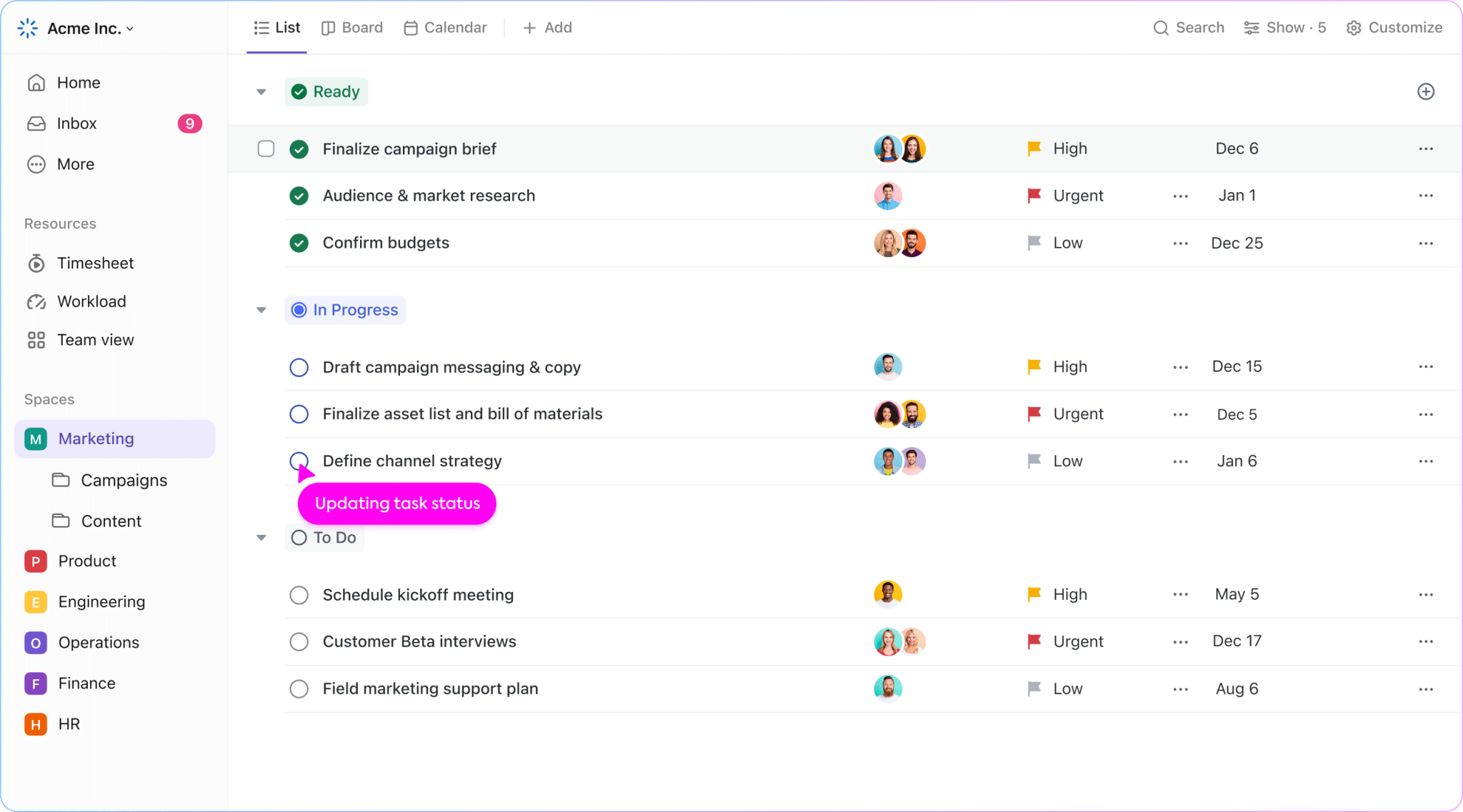
Introduction to ClickUp API and Subtask Management
In the world of project management, efficiency is key. ClickUp is a powerful tool that offers comprehensive solutions for managing tasks and subtasks. For developers looking to harness the full potential of ClickUp, understanding how to handle subtasks via the ClickUp API in PHP can be a game-changer. This guide will walk you through the best practices and techniques for mastering subtask management using the ClickUp API in PHP.
Understanding ClickUp API
The ClickUp API provides developers with the ability to interact with ClickUp programmatically. This means you can automate tasks, manage workflows, and customize ClickUp to suit your specific needs. For those working in PHP, the API offers robust functionality to create, retrieve, update, and delete tasks and subtasks.
Getting Started with ClickUp API
Before diving into subtask management, it's crucial to set up your environment for using the ClickUp API. Here’s how you can get started:
- API Key: Obtain your API key from your ClickUp account settings. This key will authenticate your requests.
- PHP Environment: Ensure you have a working PHP environment. Tools like XAMPP or MAMP can be helpful.
- HTTP Client: Use an HTTP client like Guzzle to make requests to the ClickUp API.
Creating Subtasks with ClickUp API
Creating subtasks is a fundamental part of task management. With the ClickUp API, you can create subtasks programmatically in PHP. Here’s a step-by-step guide:
Step 1: Set Up Your Request
Use Guzzle to set up your HTTP request. You will need to specify the endpoint for creating tasks and include your API key in the headers.
$client = new \GuzzleHttp\Client();
$response = $client->request('POST', 'https://api.clickup.com/api/v2/list/{list_id}/task', [
    'headers' => [
        'Authorization' => 'YOUR_API_KEY',
    ],
    'json' => [
        'name' => 'New Subtask',
        'parent' => '{parent_task_id}',
    ],
]);
Step 2: Handle the Response
Once the request is made, handle the response to ensure the subtask was created successfully. Check for a 200 status code to confirm success.
if ($response->getStatusCode() == 200) {
    echo "Subtask created successfully.";
} else {
    echo "Failed to create subtask.";
}
Retrieving and Updating Subtasks
Beyond creation, managing subtasks involves retrieving and updating them as needed. The ClickUp API allows you to do this seamlessly:
Retrieving Subtasks
To retrieve subtasks, you will need to make a GET request to the appropriate endpoint. This will return a list of subtasks associated with a specific task.
$response = $client->request('GET', 'https://api.clickup.com/api/v2/task/{task_id}/subtasks', [
    'headers' => [
        'Authorization' => 'YOUR_API_KEY',
    ],
]);
Updating Subtasks
Updating subtasks involves sending a PUT request with the updated data. This is useful for changing subtask details or status.
$response = $client->request('PUT', 'https://api.clickup.com/api/v2/task/{task_id}', [
    'headers' => [
        'Authorization' => 'YOUR_API_KEY',
    ],
    'json' => [
        'name' => 'Updated Subtask Name',
    ],
]);
Deleting Subtasks
Sometimes, tasks or subtasks need to be removed. The ClickUp API provides a straightforward way to delete subtasks.
$response = $client->request('DELETE', 'https://api.clickup.com/api/v2/task/{task_id}', [
    'headers' => [
        'Authorization' => 'YOUR_API_KEY',
    ],
]);
Best Practices for Subtask Management
Effective subtask management can significantly enhance your project management capabilities. Here are some best practices:
- Consistent Naming: Use clear and consistent naming conventions for tasks and subtasks to ensure easy identification.
- Regular Updates: Keep your tasks and subtasks updated to reflect the current state of the project.
- Automation: Leverage automation features to reduce manual work and increase efficiency.
Conclusion
Mastering subtask management with the ClickUp API in PHP offers a powerful way to enhance your project management workflow. By automating the creation, retrieval, updating, and deletion of subtasks, you can save time and increase productivity. Whether you are a developer looking to streamline your processes or a project manager aiming to optimize task management, utilizing the ClickUp API can provide significant benefits. Start integrating these practices today to see the difference in your project management efficiency.