
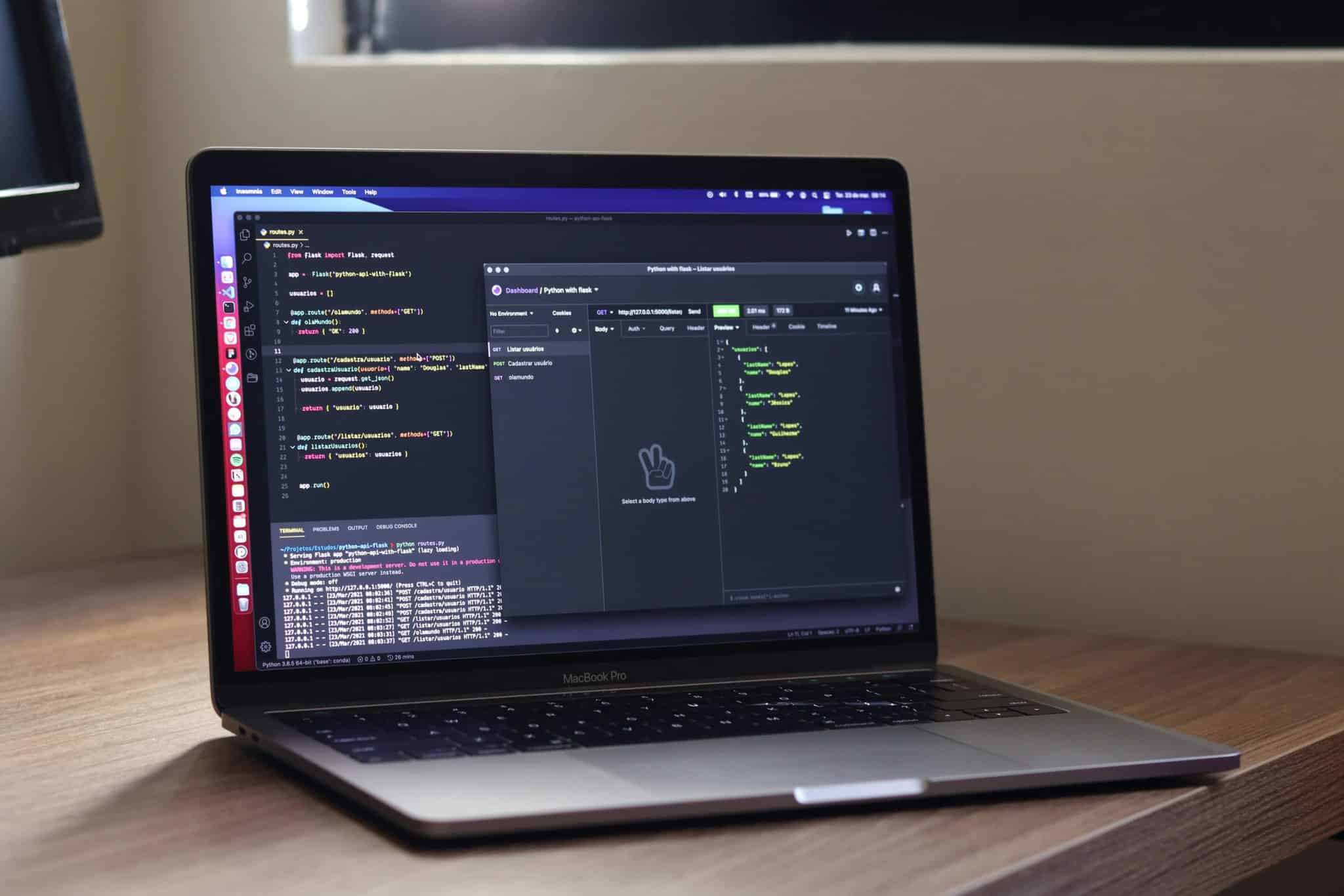
WordPress, a powerful and flexible content management system, offers a robust REST API that allows developers to interact with sites remotely. However, like any complex system, it is not immune to errors. Debugging WordPress REST API errors can be a daunting task, especially for beginners. In this guide, we'll delve into the most common errors and provide actionable solutions to help you keep your site running smoothly.
Understanding the WordPress REST API
Before diving into error resolution, it is crucial to understand what the WordPress REST API is and why it is important. The REST API enables developers to interact with WordPress sites by sending and receiving data in JSON format. This functionality is essential for creating mobile apps, integrating with third-party services, and building custom plugins.
Why Use the WordPress REST API?
- Flexibility: The API allows for seamless integration with various platforms and services.
- Scalability: It supports large-scale applications and complex data operations.
- Efficiency: JSON data format ensures quick data exchange, reducing load times.
Common WordPress REST API Errors
Despite its benefits, the WordPress REST API can present several challenges. Here are some common errors users encounter:
Authentication Errors
One of the most frequent issues is authentication errors. These occur when the API requests are not properly authenticated, often due to incorrect credentials or misconfigured authentication plugins. To resolve these, ensure that your API keys are correct and that any authentication plugins are properly configured.
404 Not Found Errors
These errors occur when the requested resource cannot be found. This could be due to an incorrect endpoint or a missing resource. Double-check the endpoint URL and ensure that the resource exists on the server.
500 Internal Server Errors
These indicate a server-side problem, often related to misconfigured server settings or issues with the WordPress installation. Check your server logs for any error messages and ensure your WordPress installation is up to date.
403 Forbidden Errors
This error occurs when the server understands the request but refuses to authorize it. This could be due to permission issues or security settings on the server. Verify your server's permissions and security settings to resolve this issue.
Debugging Techniques for WordPress REST API
Successfully debugging WordPress REST API errors requires a systematic approach. Here are some techniques to guide you:
Enable Debugging Mode
WordPress includes a built-in debugging mode that can be activated by adding the following lines to your wp-config.php file:
define('WP_DEBUG', true);
define('WP_DEBUG_LOG', true);
define('WP_DEBUG_DISPLAY', false);
This will log errors to a debug.log file in the wp-content directory, allowing you to review them later.
Use Browser Developer Tools
Most modern browsers include developer tools that can be used to inspect API requests and responses. This can be invaluable for identifying issues with headers, payloads, and authentication.
Check Server Logs
Server logs provide detailed information about requests and errors. Check your server's error and access logs to identify any anomalies or error messages related to the REST API.
Test with Postman
Postman is a versatile tool that allows you to test API requests independently of your application. Use it to verify that your API endpoints are functioning correctly and returning the expected data.
Preventing Future WordPress REST API Errors
Prevention is better than cure. Here are some strategies to minimize the occurrence of REST API errors:
Regular Updates
Keep your WordPress core, themes, and plugins updated to ensure compatibility with the latest API standards and security patches. For more on keeping your WordPress site up-to-date, check out WordPress Development Services.
Use Reliable Plugins
Choose plugins from reputable developers with good reviews and regular updates to minimize compatibility issues.
Implement Security Best Practices
- Use strong passwords and change them regularly.
- Limit login attempts to prevent brute force attacks.
- Use SSL certificates to encrypt data transmission. Learn more about SSL certificates for secure transactions.
Conclusion
Debugging WordPress REST API errors can be challenging, but with the right approach and tools, you can effectively manage and resolve these issues. By understanding common errors, employing effective debugging techniques, and implementing preventive measures, you can ensure a smooth and efficient API experience. If you are facing persistent issues, consider reaching out to a professional developer for assistance. Keep your WordPress site healthy and your API running smoothly by staying proactive and informed.