
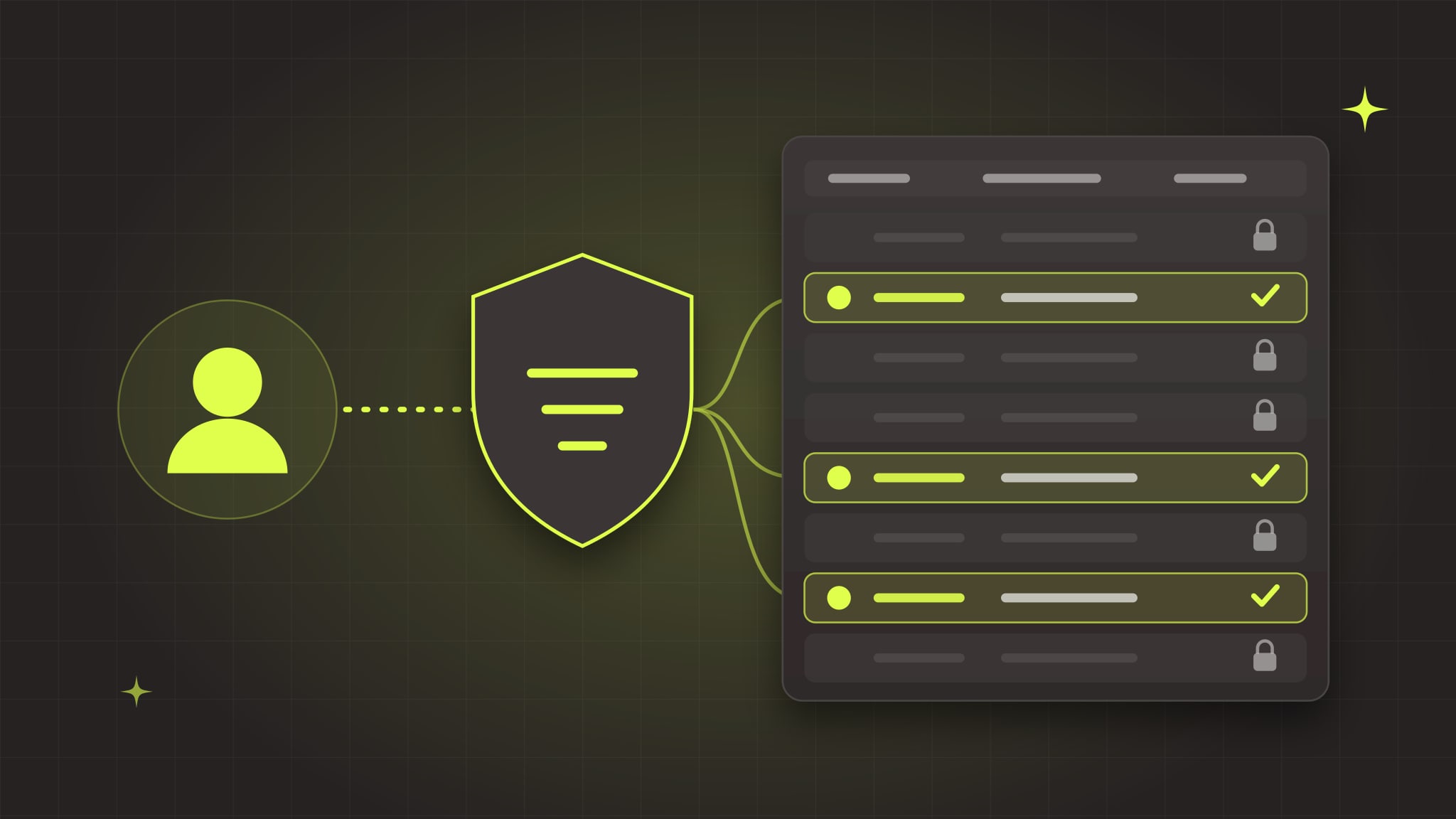
Supabase Row Level Security (RLS) is the set of database rules that decides which rows each user can read and change. In a Supabase app, the browser talks directly to your database using a public key that anyone can see. If RLS is off, or its policies are too loose, anyone who opens your app can read, edit or delete every row in that table, without logging in. It's the most common serious problem we find in apps built with Lovable, Bolt, Cursor and other AI tools, and you can check for it in about 10 minutes.
Why this matters more in Supabase than in most stacks
In a traditional app, the browser talks to your server, and your server decides what data to send back. In a Supabase app, there often is no server in the middle. Supabase generates an API for your database, and your front end calls it directly using the project URL and the anon (or newer publishable) key.
That key is meant to be public. It ships in your JavaScript, and anyone can find it in a few seconds with their browser's developer tools. That's fine, by design, because the key alone shouldn't grant access to anything. RLS is what makes it fine. With RLS on and good policies, the public key can only reach what each policy allows. Without them, the key is a pass to the whole table.
Supabase's own docs put it plainly: a table in an exposed schema without RLS is readable and writable by any role with a grant on it, and by default that includes anonymous visitors.
This isn't hypothetical: the Lovable scan
In March 2025, engineer Matt Palmer and a colleague scanned 1,645 apps from Lovable's public showcase. 170 of them (about 10%) had 303 database endpoints that anyone could read or write without logging in. Exposed data included names, email addresses, phone numbers, payment and subscription records, and API keys for other services. On one site, the researchers showed they could mark an order as paid without paying. The issue was published as CVE-2025-48757 in May 2025.
They only checked homepages, so the real number was likely higher. And the root cause wasn't the public key. It was missing or overly permissive RLS policies, the same pattern you'll find in apps built with any AI tool, not just Lovable.
The six RLS mistakes we see most
1. RLS is simply off
The Supabase dashboard turns RLS on by default when you create a table in its table editor. But tables created with SQL, which is how AI tools and migrations usually create them, don't get it unless the SQL asks for it. One create table without enable row level security and that table is open.
2. RLS is on, but the policy allows everyone
This one is sneaky because the dashboard shows RLS as enabled. The policy itself is the problem:
-- Looks like security. Isn't.
create policy "Allow all" on public.orders
for all using (true);
using (true) means "every row, for every request." It usually appears when RLS blocked something during development and the quickest way to make the error go away was to allow everything. AI tools do this a lot, because the goal they're given is "make it work."
3. Inserts and updates that don't check ownership
A select policy that limits users to their own rows is a good start, but writes need rules too. Without a with check clause, a user can insert a row that claims to belong to someone else, or update their row and reassign it. Supabase's docs note that update policies need both: using to pick which rows can be changed, and with check to validate the result.
4. Policies that trust data the user controls
Some policies check a role or plan stored in the user's own profile, or in Supabase Auth's user_metadata. The problem: users can edit their own metadata. A policy like "admins can see everything, where admin comes from user_metadata" lets anyone make themselves an admin. Supabase's Security Advisor flags this as an error. Roles belong in a table users can't write to, or in app_metadata, which only your server can set.
5. Views and functions that quietly bypass RLS
Views in Postgres run with the permissions of whoever created them, which in Supabase is usually an admin role that ignores RLS. So a perfectly locked-down table can leak through a view built on top of it. On Postgres 15 and later, create views with security_invoker = true so they respect the underlying table's policies. The same goes for security definer functions that anonymous users can call.
6. The secret key in the browser
The service_role (or new secret) key bypasses RLS entirely. It belongs only on a server or in an Edge Function. If it's in your front-end code, every policy you've written is irrelevant. We covered how leaked keys get exploited in our post on the Railway breach.
How to check your app in 10 minutes
You don't need to read the code to find the worst problems.
1. Run the Security Advisor. In your Supabase dashboard, open Advisors → Security Advisor. It flags tables with RLS disabled, policies that allow everything, views that bypass RLS, and policies that rely on user-editable metadata. Treat anything marked as an error as urgent.
2. List tables without RLS. In the SQL editor, run:
select tablename
from pg_tables
where schemaname = 'public'
  and rowsecurity = false;
Every table this returns can be read and changed through your public API.
3. Look for "allow everything" policies. Run this to see every policy and its rules:
select tablename, policyname, cmd, roles, qual, with_check
from pg_policies
where schemaname = 'public'
order by tablename;
Look for true in the qual or with_check columns, and for policies granted to anon or public on tables that hold private data.
4. Test as two different users. Create two test accounts. Log in as one and create some data. Log in as the other and try to see or change it, through the app and through the API directly. If the second user can see the first user's data, you have a leak.
5. Test as nobody. With only your project URL and public key (both visible in your site's code), try reading a table:
curl "https://YOUR-PROJECT.supabase.co/rest/v1/profiles?select=*" \
  -H "apikey: YOUR_PUBLIC_KEY"
If that returns your users' data, so can anyone's request.
How to fix it: policies that actually protect data
Start by turning RLS on for every table in public. With RLS on and no policies, the API returns nothing, which is safe but will break your app. Then add one policy per action the app actually needs.
For data that belongs to one user:
alter table public.projects enable row level security;

create policy "Read own projects" on public.projects
for select to authenticated
using ((select auth.uid()) = user_id);

create policy "Create own projects" on public.projects
for insert to authenticated
with check ((select auth.uid()) = user_id);

create policy "Update own projects" on public.projects
for update to authenticated
using ((select auth.uid()) = user_id)
with check ((select auth.uid()) = user_id);

create policy "Delete own projects" on public.projects
for delete to authenticated
using ((select auth.uid()) = user_id);
For data shared by a team or company, check membership instead of ownership:
create policy "Members read their organization's invoices"
on public.invoices for select to authenticated
using (
  exists (
    select 1 from public.memberships m
    where m.org_id = invoices.org_id
      and m.user_id = (select auth.uid())
  )
);
A few habits from Supabase's guidance that keep policies both safe and fast:
- Write a separate policy per action (
select,insert,update,delete) instead of onefor allpolicy. It's easier to read and harder to get wrong. - Always name the role with
to authenticated(orto anonwhen public access is intended), so a policy doesn't apply to visitors by accident. - Wrap
auth.uid()in a select, as above. Postgres then runs it once per query instead of once per row, which matters on large tables. - Index the columns your policies filter on, like
user_idandorg_id. Slow policies are a common reason people disable RLS "temporarily." - Don't forget Storage. File buckets have their own policies. A public bucket that lets anyone list files can expose uploads, invoices and ID documents even when your tables are locked down.
Then test again as two users and as nobody. Fixing the policies is only half the job. Proving they work is the other half.
When to bring in help
If the Security Advisor comes back clean and your two-user test passes, you're in better shape than many apps. If it doesn't, the fix is usually a set of policies and a few code changes, not a rewrite. But it's also where a mistake exposes real customer data, so it's worth having an experienced engineer write and test the policies, especially if your app handles payments, health information or multiple companies' data.
RLS is one item on a longer list. Our security checklist for taking a Lovable or Bolt app to production covers secrets, server-side authorization, payments, monitoring and backups too.
Our AI-built app rescue service starts with exactly this kind of review: we check your database rules, keys, authorization and infrastructure, and give you a prioritized report in plain English, whether or not you hire us for the fixes. We also build our own security tooling for AI-generated code, Aegis, and once your app is live our care plans keep it patched and monitored.
Book a free call if you'd like a second set of eyes on your app.
Sources
- Supabase Docs, Row Level Security
- Supabase Docs, Performance and Security Advisors
- Matt Palmer, Statement on CVE-2025-48757
- CVE Program, CVE-2025-48757