
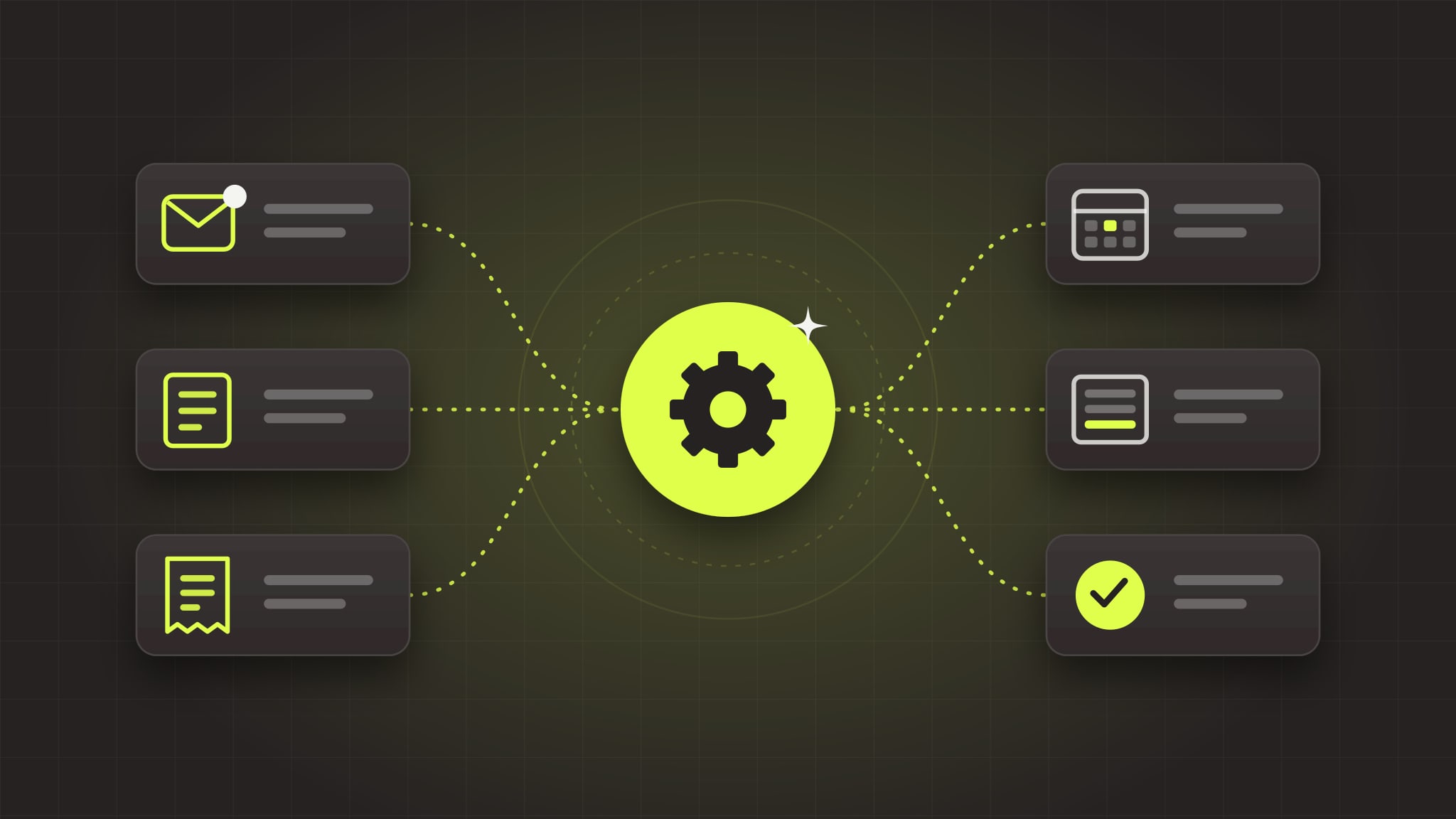
The best first thing to automate is work that happens often, follows the same steps every time, and doesn't need much judgment: answering new inquiries, copying data between systems, sending reminders, and building the same weekly report. Start with one of those, prove it saves time, then move on to the next.
Most small businesses don't need "an AI strategy" to get started. They need to find the two or three tasks that quietly eat hours every week, and automate those well. Below is how to spot them, followed by 12 examples we see over and over in businesses around Kansas City.
How to pick your first automation
Score each candidate task from 1 to 5 on four questions. The highest total is usually your best first project.
| Question | Why it matters |
|---|---|
| How often does it happen? | A task done 40 times a week pays back far faster than one done twice a month. |
| Are the steps the same every time? | If you can't write the steps down, you can't automate them yet. |
| How much does a mistake cost? | Start where errors are cheap to catch, and keep a person approving anything risky. |
| How many systems does it touch? | Copying between two tools is a great first win. Ten tools is a second project. |
A good rule of thumb: if someone on your team says "I do this every day and it drives me crazy," write it down. That's usually the one.
12 things small businesses automate first
Sales and intake
1. Replying to new inquiries. Every web form, email or missed call gets a helpful reply within minutes, not the next afternoon. AI can draft the reply from your own services and FAQs, so it doesn't sound like a canned autoresponder.
2. Qualifying and routing leads. Pull the key details out of each inquiry (service, location, budget, timeline), tag the lead, and send it to the right person. No more forwarding emails around the office.
3. Drafting quotes and proposals. For businesses that quote from a price sheet, automation can turn an inquiry into a draft quote using your own pricing and templates. A person still reviews and sends it.
4. Follow-ups that stop when someone replies. A short, polite sequence for quotes that go quiet, which stops automatically the moment the customer answers.
Operations and back office
5. Syncing data between systems. The classic copy-and-paste job: new customers from the CRM into accounting, orders from the store into the shipping tool, jobs from the scheduling app into the invoicing system.
6. Invoice and order processing. Reading incoming invoices or purchase orders, extracting the line items, and entering them into QuickBooks or your ERP for someone to approve.
7. Scheduling reminders. Appointment confirmations and reminders by text or email that cut no-shows, plus a nudge to reschedule when someone cancels.
8. The weekly report nobody wants to build. Pulling numbers from three tools into the same spreadsheet every Monday is a perfect automation. The report shows up in inboxes on its own.
Documents and knowledge
9. Pulling data out of forms and PDFs. Applications, intake forms, certificates and claim documents can be read by AI and turned into structured data, with a person checking anything the system isn't sure about.
10. An internal assistant for your own procedures. A private assistant that answers "how do we handle a return?" or "what's our policy on rush jobs?" from your SOPs and files, instead of interrupting the one person who knows.
Customer service and ecommerce
11. Order-status and common questions. Website chat or email replies that answer "where's my order?" and your top 20 questions from your real data, and hand off to a person for anything else.
12. Product descriptions and catalog clean-up. For stores with hundreds or thousands of products, AI can write consistent descriptions, fix attributes, and fill gaps in bulk.
What not to automate first
- Anything you can't describe step by step. Document the process first. Automating chaos just makes faster chaos.
- Decisions that need judgment or carry real risk. Pricing exceptions, hiring and legal calls stay with people. Automation can prepare the information; a person decides.
- Rare, one-off tasks. If it happens twice a year, the setup will cost more than it saves.
- Customer-facing replies with no review step, at least at the start. Let a person approve outgoing messages until you trust the results.
Keep people in the loop
The automations that work best don't replace your team's judgment. They take the repetitive steps off their plate and hand them a draft, a summary or a flagged exception to act on. We build every workflow so that quotes, customer replies and anything financial can require a human sign-off, and every action is logged so you can see what the automation did and why.
That's also how integration projects usually start. For APA Medical, the win came from connecting HubSpot with their billing tools so their team stopped re-keying the same information in two places.
How to get started
- List the 10 tasks your team repeats most each week.
- Score them with the four questions above.
- Pick the top one and map exactly how it's done today, including the exceptions.
- Automate that one workflow, measure the hours it saves, then move to the next.
If you'd rather not guess, that's exactly what our AI Readiness Audit does. In two weeks we map how work really flows through your business and hand you a ranked, costed list of what to automate first. It's a fixed price, and the fee is credited toward your first build. You can also read what an AI readiness assessment includes before you decide.