
Introduction
In today’s fast-paced business environment, efficiency is key to staying ahead. Companies are increasingly turning to automation tools to streamline processes, reduce human error, and save time. One powerful combination that has gained popularity is using ClickUp in conjunction with Make (formerly known as Integromat). This dynamic duo can transform how businesses operate, leading to increased productivity and improved workflow management.
By integrating ClickUp and Make, businesses can automate repetitive tasks, allowing teams to focus on more strategic activities. Whether you are looking to automate task assignments, manage project updates, or synchronize data across platforms, this integration offers a flexible solution. In this guide, we’ll explore how you can leverage ClickUp and Make to automate your business workflows, enhancing efficiency and productivity.
Understanding ClickUp and Make
What is ClickUp?
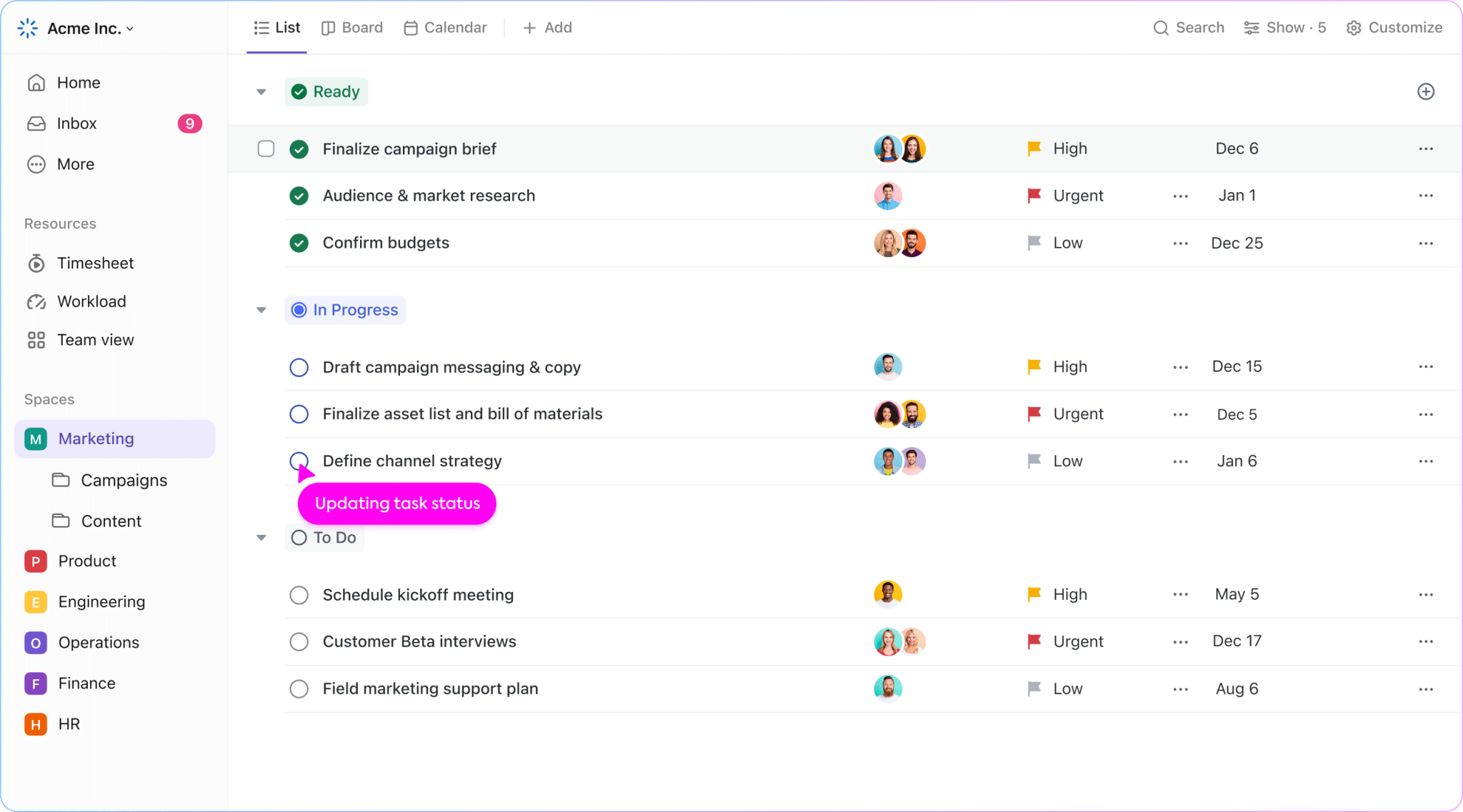
ClickUp is an all-in-one project management tool designed to help teams collaborate more effectively. It offers a range of features such as task management, document collaboration, goal tracking, and time management. With its customizable interface, ClickUp can be tailored to fit the unique needs of any business, making it a versatile choice for teams of all sizes.
What is Make (Integromat)?
Make, previously known as Integromat, is a powerful automation tool that connects various apps and services to automate workflows. It enables users to create scenarios where different applications can communicate and perform tasks without manual intervention. Make supports a wide array of applications, allowing businesses to automate complex processes and integrate their existing tools seamlessly.
Benefits of Automating Workflows with ClickUp and Make
Enhanced Productivity
By automating routine tasks, teams can focus on more value-added activities. Automation reduces the time spent on repetitive tasks, freeing up resources for strategic planning and innovation.
Improved Accuracy
Human error is a common issue in manual processes. Automation ensures that tasks are carried out consistently and accurately, reducing the risk of mistakes.
Time and Cost Savings
Automation tools like ClickUp and Make can significantly reduce the time required to complete tasks, leading to cost savings. By minimizing manual labor, businesses can allocate resources more effectively.
Scalability
As businesses grow, the need for scalable solutions becomes critical. Automating workflows with ClickUp and Make allows companies to scale operations without the need for additional resources.
How to Set Up Automation with ClickUp and Make
Step 1: Identify Tasks for Automation
Start by identifying repetitive tasks that consume significant time. Common candidates for automation include data entry, task assignments, and status updates.
Step 2: Create a Make Account
To begin automating workflows, you’ll need to create an account on Make. Once registered, you can start building scenarios for automation.
Step 3: Connect ClickUp to Make
Using Make’s intuitive interface, you can connect ClickUp to various applications. This connection allows data to flow seamlessly between platforms.
Step 4: Design Your Automation Scenarios
With ClickUp and Make linked, design scenarios that outline the specific tasks you want to automate. Use Make’s drag-and-drop interface to map out workflows.
Step 5: Test and Refine
Before fully implementing, test your automation scenarios to ensure they work as intended. Make adjustments as necessary to optimize performance.
Real-World Applications of ClickUp and Make Automation
Task Management
Automate task creation and assignment based on predefined triggers, such as new project initiation or task completion.
Data Synchronization
Keep data consistent across platforms by automating synchronization between ClickUp and other tools like Google Sheets or CRM systems.
Project Updates
Automatically update project statuses and notify team members of changes, ensuring everyone stays informed without manual input.
Reporting and Analytics
Generate reports and analytics automatically, providing insights into team performance and project progress without manual data gathering.
Best Practices for Successful Automation
Start Small
Begin with simple automation tasks to understand the process and gradually move to more complex scenarios as you gain confidence.
Monitor and Adjust
Regularly monitor automated workflows to ensure they continue to meet your business needs. Be prepared to make adjustments as necessary.
Involve Your Team
Involve team members in the automation process to gather feedback and ensure the solutions meet their needs and improve their workflows.
Stay Updated
Keep abreast of updates and new features for both ClickUp and Make to leverage the latest advancements in automation technology.
Automating business workflows with ClickUp and Make offers a pathway to increased efficiency and productivity. By understanding the capabilities of these tools and implementing best practices, businesses can transform their operations and stay competitive in today’s dynamic market. Start exploring automation possibilities today and reap the benefits of streamlined processes and enhanced team performance.