
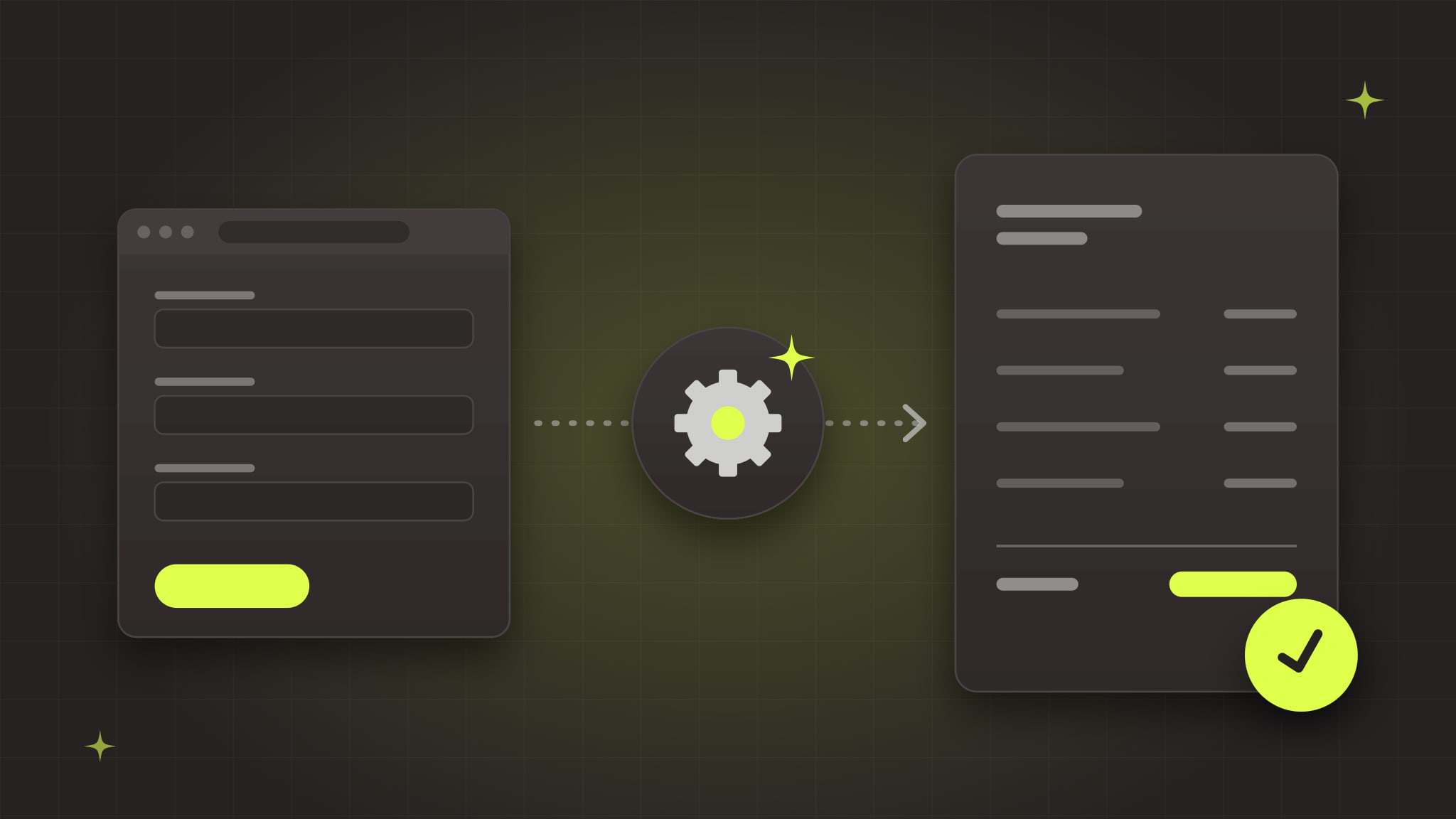
To automate quote requests, connect your quote form to a workflow that saves the request, confirms receipt right away, uses AI to pull out the details people type in their own words, prices the job from your own price list and rules, and creates a draft quote for a person to check and send. Done well, a request that used to wait a day or two for someone to re-type it becomes a draft quote in minutes. The AI reads and organizes; your rules set the prices; a person still approves what goes out.
This guide walks through how that works, what to automate and what to keep human, and the mistakes that make quote automation go wrong.
Why quote requests are worth automating first
Quote requests are usually the most valuable messages a business gets, and they're often handled the slowest. A typical path looks like this:
- A request arrives by web form or email, often missing details.
- It sits in a shared inbox until someone has time.
- Someone re-types it into a spreadsheet, CRM or quoting tool.
- They email the customer for the missing measurements, photos or quantities.
- They look up prices, build the quote, and send it, a day or more later.
- Nobody follows up, and the customer goes with whoever answered first.
Speed matters. A Harvard Business Review study of how companies handle online leads concluded that most companies "are not responding nearly fast enough" (HBR). Every hour a request waits is an hour a competitor can answer it first.
The work is also repetitive, rule-based and high-volume, which makes it a strong first candidate. Our guide on what a small business should automate first explains how to rank tasks like this one.
What the automated version looks like
Here's the same request with automation:
- The customer submits a better form. It asks for the details you always need, with file uploads for photos, drawings or specs.
- The request is saved and acknowledged instantly. It goes into your CRM or a database, and the customer gets a confirmation that says what happens next and when.
- AI reads the messy parts. Free-text descriptions, forwarded emails and attached PDFs are turned into structured fields: service type, quantities, dimensions, location, deadline.
- Missing details are caught automatically. If something required is missing, the workflow asks the customer for it right away instead of waiting for a person to notice.
- Pricing comes from your rules. The workflow looks up your price list, applies your formulas (per square foot, per unit, minimums, travel zones, rush fees) and builds line items.
- A draft quote is created in your quoting tool, with a plain-English scope description drafted by AI.
- A person reviews and sends it. They check the draft, adjust anything unusual, and approve it with one click.
- Follow-ups run on their own. If the customer hasn't responded in a few days, a reminder goes out, and your team is alerted before a hot quote goes cold.
The person's job shifts from re-typing and chasing to checking and deciding, which is where their judgment actually matters.
What to automate, and what to keep human
Automate:
- Capturing the request and saving it in one place
- The instant confirmation to the customer
- Reading free text, emails and attachments into structured fields
- Checking for missing information and asking for it
- Looking up prices and calculating line items from your rules
- Creating the draft quote and the follow-up reminders
- Routing the request to the right person by service, location or size
Keep human:
- Final pricing approval. Especially for large, unusual or high-risk jobs.
- Judgment calls. Site conditions, difficult customers, jobs you'd rather not take.
- Relationships. A phone call on a big opportunity still beats any email.
Never let AI make up prices. AI models are good at reading and writing, but they can produce confident numbers that are simply wrong. Prices should come from your price list and formulas, calculated by the workflow, not generated by the AI. The AI's job is to understand the request and describe the scope; your rules decide what it costs.
How to build it, step by step
1. Fix the form first
Most quote problems start with a form that asks for a name, an email and a big "Tell us about your project" box. List every detail your team has to chase today and turn those into fields: dropdowns for service type, number fields for quantities, required uploads where photos or drawings matter. Keep it short enough that people finish it, and put the most important questions first.
We've built quote and estimate request paths into websites for businesses like Christian Brothers Roofing, IPMI Manufacturing & Engineering, MetrologyWorks and VenueSmart. The details each one needs differ by industry, and getting the form right is the cheapest improvement you can make.
2. Write down your pricing rules
You can't automate pricing that only lives in someone's head. Put your price list, minimums, formulas and exceptions in one place, such as a spreadsheet or database table. This is often the most valuable part of the project on its own, because it makes quotes consistent no matter who builds them.
If pricing is too variable to write down, automate everything up to the draft and leave the numbers blank for a person to fill in. You'll still save most of the time.
3. Capture and acknowledge every request
Send every request, from the website form, email or a phone call logged by staff, into one place: your CRM, quoting tool or a database. Then send the customer a confirmation right away with a realistic timeline. Even before the quote is ready, a fast, clear reply tells them you're organized.
4. Add AI where the input is messy
If customers describe jobs in their own words, forward old emails or attach PDFs and drawings, an AI step can pull out the details and fill in your fields. Give it a fixed list of fields to fill and allowed values, and have it mark anything it isn't sure about rather than guessing. The AI usage cost for this is usually small; our guide to what AI automation costs shows the math.
5. Generate the draft quote
Connect the workflow to wherever you build quotes today: your accounting system's estimates, your CRM's quote tool, a proposal tool, or a branded PDF. The workflow fills in the customer, line items and totals from your pricing rules, and the AI drafts the scope description. Then it notifies the right person to review.
6. Review, send and follow up
Make review fast: one notification with a link to the draft, the original request and anything the AI flagged. After the quote goes out, schedule follow-ups and alert the team when a quote is opened, accepted or ignored.
7. Measure it
Track the time from request to quote, how many quotes go out, and how many are won. Those numbers show whether it's working and where to improve next.
Which tools to use
Most quote automations use pieces you may already have:
- The form: your website's form, a form tool, or a custom form connected to a database.
- The workflow: an automation platform like Make, Zapier or n8n for most small businesses, or custom code when the logic is complex or volume is high. Our Make vs. Zapier vs. n8n comparison explains the trade-offs, and we're Make.com specialists.
- The AI step: a model like Claude or GPT, called from the workflow to extract details and draft the scope.
- The pricing source: a spreadsheet, a database table, or your product catalog.
- The quote itself: your accounting system, CRM or proposal tool, connected through its API.
If your quoting process is complex enough that no off-the-shelf tool fits, a small custom quoting tool can make sense. Our post on custom software vs. off-the-shelf covers how to decide.
Mistakes that make quote automation go wrong
- Letting AI set prices. Covered above, and worth repeating: prices come from your rules.
- Automating a bad form. If the form doesn't collect what you need, the automation just moves incomplete requests faster.
- Skipping human review at the start. Review every draft for the first few weeks. Once it's consistently right, loosen review for small, standard jobs.
- Hiding failures. If a step fails, someone must be alerted. A request that silently disappears is worse than a slow one.
- Sending customer data everywhere. Only send the AI the fields it needs, keep API keys secure, and know where your data is stored.
- No owner. Someone on your team should own the workflow, watch its numbers and ask for changes.
Where to start
Map your current quote process step by step and time it. Note where requests wait, what gets re-typed, and what's missing most often. That alone usually shows where the hours go.
If you'd like help, our AI Readiness Audit maps your quote process (and the rest of your workflows) and gives you a ranked, costed plan. Our AI automation service builds the top opportunity in a 30-day sprint, connected to your systems and tested with real data, and our care plans keep it running as your tools change.
Book a free call and tell us how quote requests reach you today. We'll tell you what we'd automate first.